Features
- Pinned fly-through hero built from layered photos
- Lead case study with visitor figures
- Project photos that come into focus on scroll
- Project phases with durations
- Team and client list
- Contact form
- Journal (blog)
Included Pages
Holo Creative Template
A dark, photo-led site for an exhibition or spatial design studio. In the hero the camera walks forward through a gallery doorway, past visitors, until a boat hung from the ceiling fills the screen.
For studios whose work is a room you walk into
Holo is a website for a design studio that plans museum galleries, touring exhibitions, shops and AR guides. The sample studio is Holo, sixteen people in an old rope works in Leith, Edinburgh. Its clients, projects and visitor numbers are invented to show how the finished site reads. You replace them with your own work and photos.
The site is dark navy with warm amber light in every photo, a thin sans serif for headings and an italic serif for a word or two in each title. Big photos carry the page. Text stays short and factual: what was built, for whom, and what happened after it opened.
What is on the page
The homepage opens on the fly-through. Headline and two buttons sit on the left, and the right side shows a photo scene made of four layers: a dark doorway, a group of visitors, a herring boat hung from the ceiling and the projected sea on the far wall. On a desktop screen the section holds while you scroll and the view moves forward. The doorway grows and slides past, the visitors drift by and fade, and the boat grows until it fills the frame, where a "Case study: The Tide Hall" label appears.
That case study follows straight on: the story of the gallery, the studio's role, and three large figures for visitors in the first year, average time in the hall and months from first visit to opening. "More recent work" shows three more projects (a touring seed exhibition, a glassworks shop and an AR castle guide), and each photo starts soft and comes into focus as it scrolls in.
"How a project runs" lists five phases with how long each takes, then a plain list of what the studio makes. A cream band carries a client quote, the team with their roles and a list of clients since 2015. The page ends with an enquiry form beside the studio's email, phone and address.
The Journal holds three sample articles about projects, such as hanging the boat and packing an exhibition into nine crates.
Who it suits
- Exhibition and museum design studios
- Interior and retail design practices
- Architects with a portfolio of public spaces
- Lighting designers and AV integrators
- Agencies that make AR guides or interactive installations
Frequently Asked Questions
What do phones see in the hero?
On phones the camera walks into the Tide Hall as the picture rises up the screen. The nearest visitors slip out of view and the hung boat comes close. Visitors who have reduced motion switched on see the scene as one finished still: all four photo layers stacked into a single picture of the hall, with the headline and buttons above it.
Can I build the fly-through from my own photos?
Yes, but it needs layered images: a foreground frame, people, the main object and a background, each saved with transparent areas so the layers behind show through. You can also replace the whole scene with a single photo and turn the motion off in the editor.
Where does the contact form send messages?
The form asks for name, email, organisation and a description of the project, and sends it through Pagesmith's built-in form service to your email. Visitors see a short thank-you note once it has gone.
How do I add a new case study?
Ask the AI editor to add another project to "More recent work" with your photo, title and description, or to create a separate page for a longer write-up. The text and photos on existing projects can be changed directly in the visual editor.
Does the photo-heavy design slow the site down?
In our Lighthouse runs of the template on a mobile profile, the homepage scored 99 for performance. Every photo is served in several sizes, and only the hero images load before the visitor starts scrolling.
Ready to get started?
Use this template as your starting point and customize everything with AI. Your site will be live in minutes.
More templates
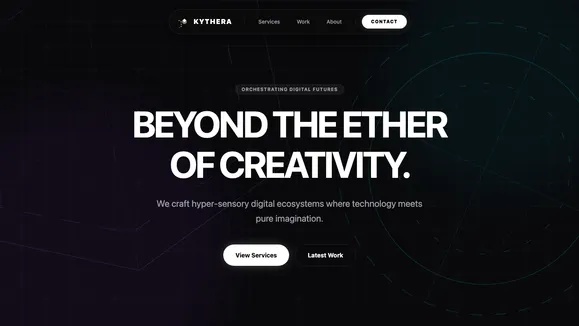
Digital Studio
A dark one-page site for an independent design and engineering studio. The studio name fills the first screen with a project photo inside the letters, and as you scroll the letters open into the first case study.
View template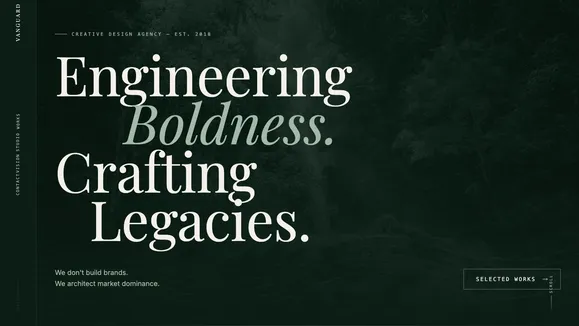
Vanguard Studio
A dark green and cream one-page site for a small brand identity studio. A client logo is drawn from its construction grid as you scroll, then lands on a business card, a shop sign and a paper bag.
View template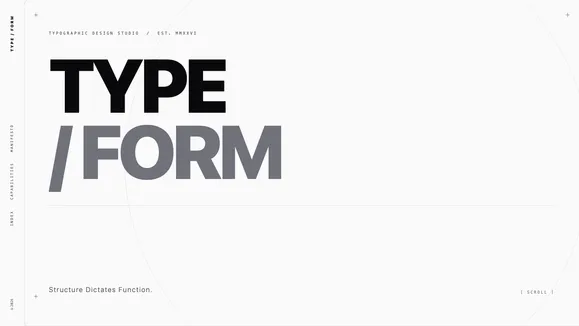
TYPE / FORM
A brutally minimalist, purely typographic web design agency template. Relies entirely on massive, perfectly kerned Grotesk fonts and extreme whitespace.
View template