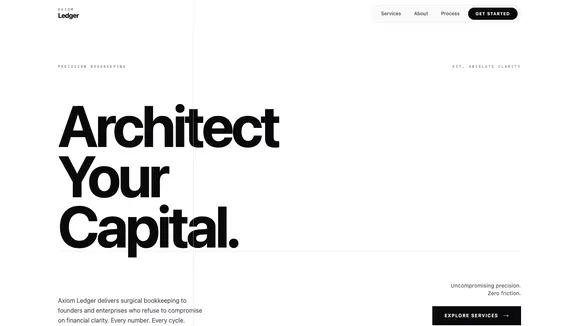
Features
- Pinned tax-year calendar scene
- Service list with fee notes
- Three monthly price plans
- Extra fees table
- Team with qualifications
- Client reviews
- Free call booking form
Included Pages
Balanced Books Template
A one-page site for a small accounting or bookkeeping practice, with fixed monthly prices and a free first call. Calm paper tones and a pinned tax-year calendar that circles and ticks each deadline as you scroll.
A plain, trustworthy site for accountants and bookkeepers
People choosing an accountant want three answers quickly: what you do, what it costs and who they will deal with. This template puts all three on one page. The sample site is Ashby & Moore, a made-up practice of three chartered accountants in Bristol that looks after sole traders, freelancers and small limited companies for a fixed monthly fee.
Everything you see is sample content written for a UK practice, from the HMRC deadlines to the £45 starting price. Swap in your own services, prices, team and tax dates, whatever country you work in.
What is on the page
The hero gives the practice name, a one-line promise and two buttons: book a free 30-minute call or see the prices. Beside it is a photo of an accountant with a client and a small January calendar with the tax return date circled in red pencil. A short strip lists the starting fee, the office address and the phone number.
What we do lists six services (bookkeeping, tax returns, year-end accounts, payroll, VAT and Making Tax Digital), each with a note on which package covers it. The rule above each row draws in from left to right as it scrolls into view, and the software the practice works with is named in the intro.
Then the signature scene. On a laptop or desktop the section holds while you scroll through a full tax year shown as twelve small month grids. A marker runs from April to March, and each key date gets a hand-drawn red circle and then a tick: payroll year-end, VAT quarters, payments on account, company accounts and the Self Assessment return. A list beside the calendar explains each one, and the scene ends on "Every date ticked. You did none of this yourself."
The rest of the page:
- Prices: three monthly plans (sole trader, limited company, growing team) with what each includes, plus a small table of one-off fees
- The team: a group photo and three accountants with their qualifications and direct email addresses
- Reviews: one large client quote with a red pencil underline and three shorter ones from named businesses
- Contact: phone, email, office hours and a form that books the free first call
Who it suits
- Small accounting practices and sole practitioners
- Bookkeepers who sell monthly packages
- Tax advisers working with freelancers and landlords
- Payroll bureaus
- Accountants who specialise in one trade, such as contractors or restaurants
Frequently Asked Questions
How does the tax-year scene work on a phone?
On phones the tax year runs month by month, and each deadline is circled and ticked as its row passes. Then the deadline list ticks off item by item. Anyone with reduced motion turned on gets the finished calendar with every deadline already circled and ticked, and the explanations as a list.
Can I change the deadlines to match my country?
Yes. The months, the circled dates and the notes beside them are ordinary text and markup. Ask the AI editor to replace the UK dates with your own tax calendar, for example US quarterly estimates or a different VAT schedule, and it will move the circles to match.
How do the price plans work?
They are a simple comparison of three fixed monthly fees. There is no checkout or payment on the site; each plan links to the booking form so the conversation starts with a call. You can rename the plans, change the prices or add a fourth in the editor.
Where does the free call form send enquiries?
It posts to Pagesmith's built-in form service, and each request reaches your inbox with the visitor's name, contact details, business type and message.
Is the template quick to load?
Yes. The calendar is plain HTML and small SVG lines, and photos load only when they come near the screen. The finished template scored 99 for performance in a mobile Lighthouse test.
Can I add more pages later?
The template is one homepage. You can ask the AI editor to add pages such as a blog for tax tips, a page per service or a careers page, and they will match the existing design.
Ready to get started?
Use this template as your starting point and customize everything with AI. Your site will be live in minutes.
More templates

Construction & Renovation
A photo-led site for a residential builder that does extensions, loft conversions and renovations, with real budgets and timelines. Its pinned before-and-after kitchen scene reveals the finished room as you scroll.
View template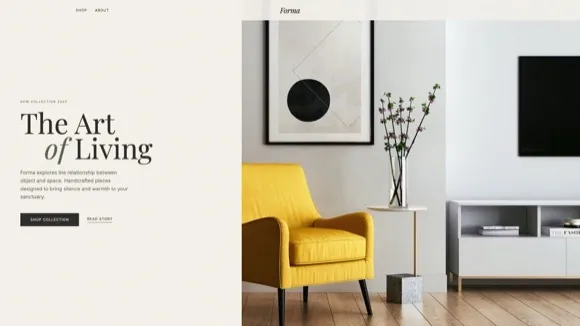
Design Furniture Luxury
A calm, Scandinavian-style site for a furniture and homeware brand. Named pieces with designers and prices, materials, showroom and trade program, and a scene that zooms into a chair's joinery as you scroll.
View template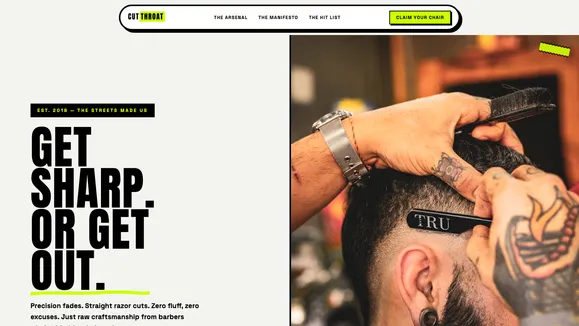
Cutthroat & Co. Barbershop
A dark, photo-led site for a neighbourhood barbershop. Barbers with specialities, walk-in and booking rules, opening hours and a booking form, with a price list that flips into place like an old station board.
View template